Design to object
Build the segment around a design becoming a physical piece viewers can see and understand, then continue into the project build. MakerMedia+’s Minecraft-inspired door is a reference for integrating the machine with the outcome.

YouTube brand partnerships
xtool.com ↗Put the tool inside a project viewers want to finish
xTool integrations are most convincing when the machine is doing work the video already needs: cutting a component for a project, turning a design into a physical object, or making a prototype possible. The creator example ranges from a Minecraft-inspired build to metalworking projects, which lets a pitch distinguish entry-level creative output from a more technical shop workflow.
 ▶ Jump to the sponsor read

MakerMedia+ × xTool
Il Makerstauratore is the most frequent partner in the creator list below, with 3 sponsored videos. Wesley Treat follows with 3.
Explore the creators behind the sponsorships.
 Il Makerstauratore3 sponsored videos
 Wesley Treat3 sponsored videos
 Wesley Kagan3 sponsored videos
 Marius Hornberger2 sponsored videos
 Marco Reps2 sponsored videos
 Leo - TechMaker2 sponsored videos
 Prop Department1 sponsored videoMakerMedia+1 sponsored video
Creative starting points drawn from xTool’s integrations.
Build the segment around a design becoming a physical piece viewers can see and understand, then continue into the project build. MakerMedia+’s Minecraft-inspired door is a reference for integrating the machine with the outcome.
Build the pitch around a part the creator has wanted to prototype and show where the machine enters the process. Hornberger’s retracting-caster project gives the tool a real design problem to solve.
The brands, creative choices and product connections worth paying attention to.
MakerMedia+ makes the laser cutter the enabling tool for a Minecraft-inspired door. The creator explains that the parts are ready to cut, then introduces an xTool D1 Pro and shows it cutting the components before the project returns to assembly. Later, the read includes fan designs chosen by viewers. This gives the integration two visible jobs: making a functional component and personalizing the build. The creator’s safety reminder is part of the segment, and any future demo should include the correct operating guidance.
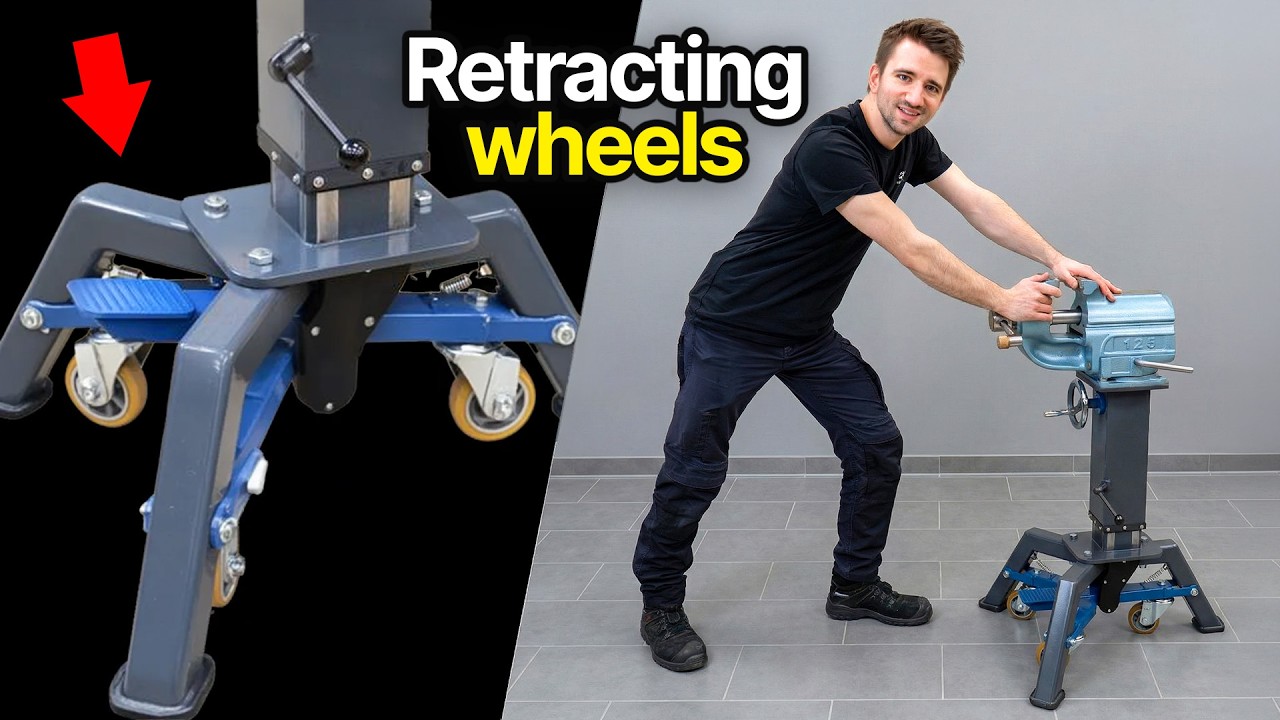
Marius Hornberger’s metalworking projects provide a more technical example. In one video, he says the xTool system made it possible to attempt a retracting-caster design, then describes how parts are laid out and cut for prototyping. In a separate project, he explains using a MetalFab system for cutting, welding and cleaning, including his observations about the cut quality. Those are the maker’s own assessments in a sponsored project, not a comparative equipment test.
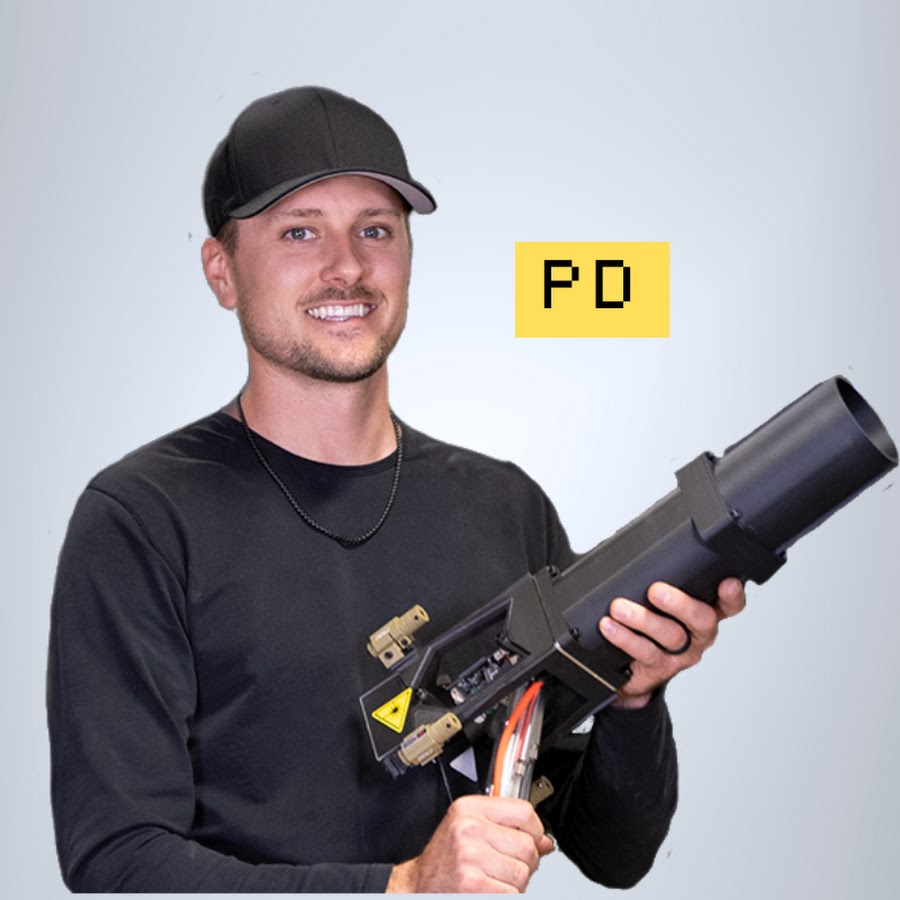
Prop Department moves from a computer design to a physical car component and notes the speed of producing a part. The immediate design-to-object transition is a strong pitch reference for makers whose videos already show fabrication. The machine appears as a practical step in the creative process, not as a lifestyle product.
Across these examples, the persuasive moment is the capability unlocked by the tool: a creator can turn a design into something they can test or assemble. A pitch should name the project, material and operation, then let viewers see the output. Avoid implying every machine handles every material or job; match the demonstration to a verified model and current safety instructions.
For a broad creator project, build around one design becoming a physical piece, as MakerMedia+ does. For a fabrication specialist, propose a prototype or workshop test in the creator’s actual workflow, as in the Hornberger videos. For a transformation video, show a digital model turning into a part, as Prop Department does. The tool should have a meaningful role in the finished project, not just appear in a sponsor slate.
Watch how the product becomes part of the video.
Sponsor at 7:57MakerMedia+10 Jan 2024A Minecraft-inspired door project moves from a design to a laser-cut physical part, then back to assembly. The read makes the machine’s role visible and uses the tool to create both functional components and audience-requested designs.
 Sponsor at 36:01Marius Hornberger19 Jun 2026
Hornberger describes how access to the laser enabled him to attempt a long-planned caster design and cut parts for prototyping. The useful creative frame is capability unlocked by a tool inside a real engineering project, not a generic product demonstration.
 Sponsor at 2:44Marius Hornberger27 Mar 2026
A MetalFab system is used in a workshop build, with the creator describing cutting, welding and cleaning tasks and evaluating the output of the parts. It is a technical use-in-project reference; the creator’s conclusions are not independent comparative testing.
 Sponsor at 6:53Prop Department20 Mar 2026
Prop Department moves from a computer design to a completed physical part in five minutes, highlighting the speed of xTool’s design-to-object process before continuing the street-legal car build. The machine is demonstrated in the middle of fabrication. A creator can make a tool sponsorship convincing by showing the transition from digital plan to the part that fits the project.
Research the partnerships, compare the creative, and build your shortlist in Sponsorbook.