ProtonVPN inside a wider privacy setup
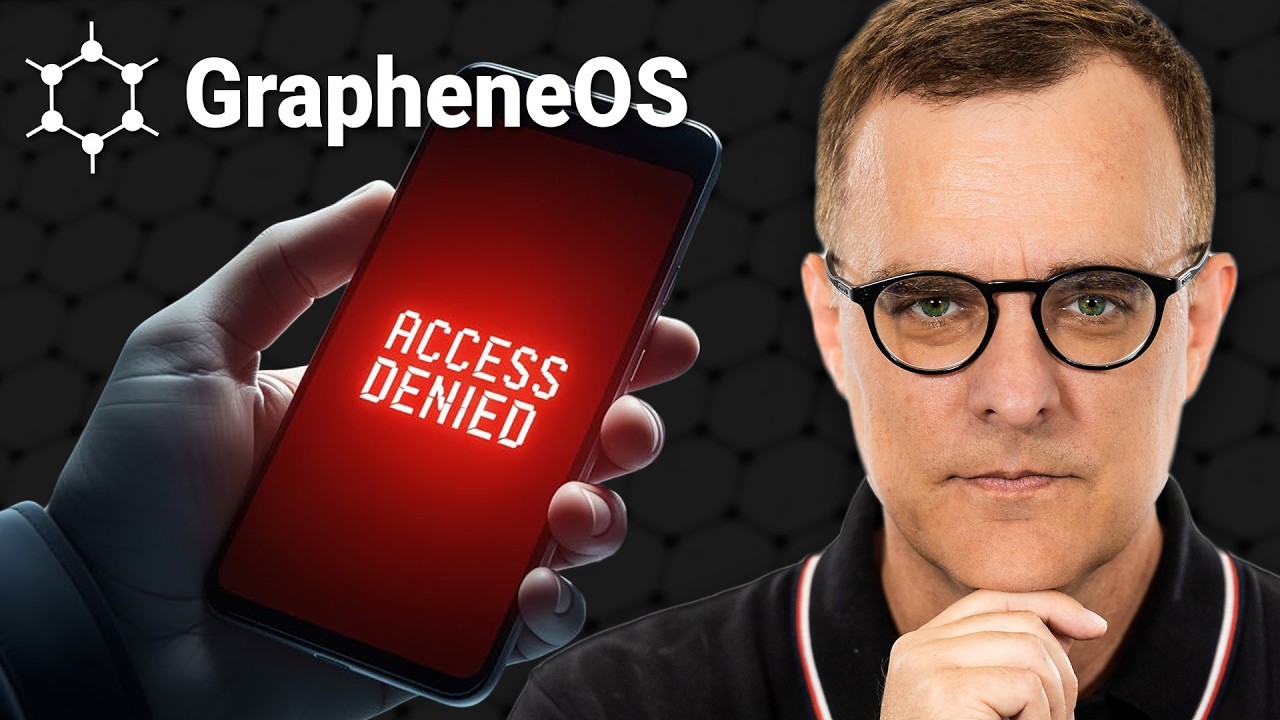
Before introducing his GrapheneOS guest, David thanks ProtonVPN and frames privacy as a set of tools that can work together. He describes Proton Mail, Pass and Drive alongside the VPN, then explains the service’s open-source apps, independent audits, server network, VPN Accelerator and NetShield. Profiles for work, travel or streaming supply a practical organizing example.
The message fits a video about a privacy-focused phone operating system because it broadens the discussion from a device to the connection and data around it. David recommends ProtonVPN directly and then transitions to the interview, keeping the sponsor segment distinct from the technical conversation.
Linode makes a cloud VM visible
In a virtual-machine explainer, David contrasts running guests on a personal laptop with hosting them in the cloud. He demonstrates creating a Linode server, selecting Ubuntu and a London region, choosing shared CPU, then connecting through SSH after provisioning. Viewers see the setup move from provider dashboard to a working Linux command line.
The creator also explains an important operational detail: stopping a virtual machine does not stop charges, so a server should be deleted when it is no longer needed. That detail makes the read especially useful to a technical audience because it accompanies the demo with a practical account of managing the resource.
Let the technical task carry the integration
ProtonVPN is framed as one component in a privacy toolkit; Linode is shown as an alternative place to run a virtual machine. Both ads use David’s explanatory style, but one is an ecosystem overview and the other a live technical walkthrough. A campaign can choose the mode that best matches the video: a reasoned overview or a practical build.


 Sponsor at 2:04
 ProtonVPN16 Nov 2025
